Windows 11 Fast Startup: Boot Quicker With This One Setting
Published on: 22/05/2026
Fast Startup saves your system state to disk on shutdown so Windows 11 boots significantly faster — enable it via Control Panel → Power Options.
Windows 11Fast Startupboot speedPC performancetroubleshooting
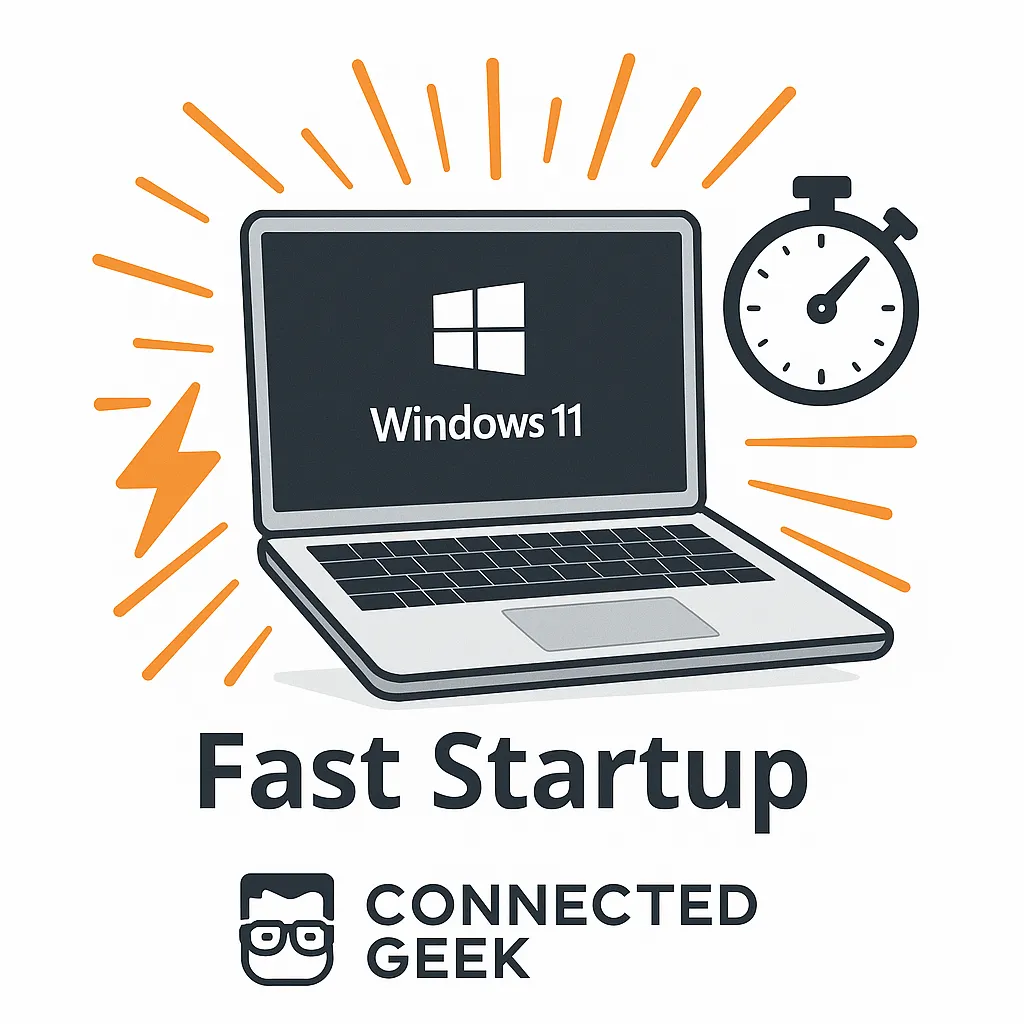
Move Apps to Another Drive in Windows 11 to Free Up C: Drive Space
Published on: 19/05/2026
Running low on your C: drive? Move large apps and games to another drive via Settings → Apps → Installed apps → Move — they keep working exactly as before.
Windows 11move appsfree up spacestorage managementC: drivePC performance
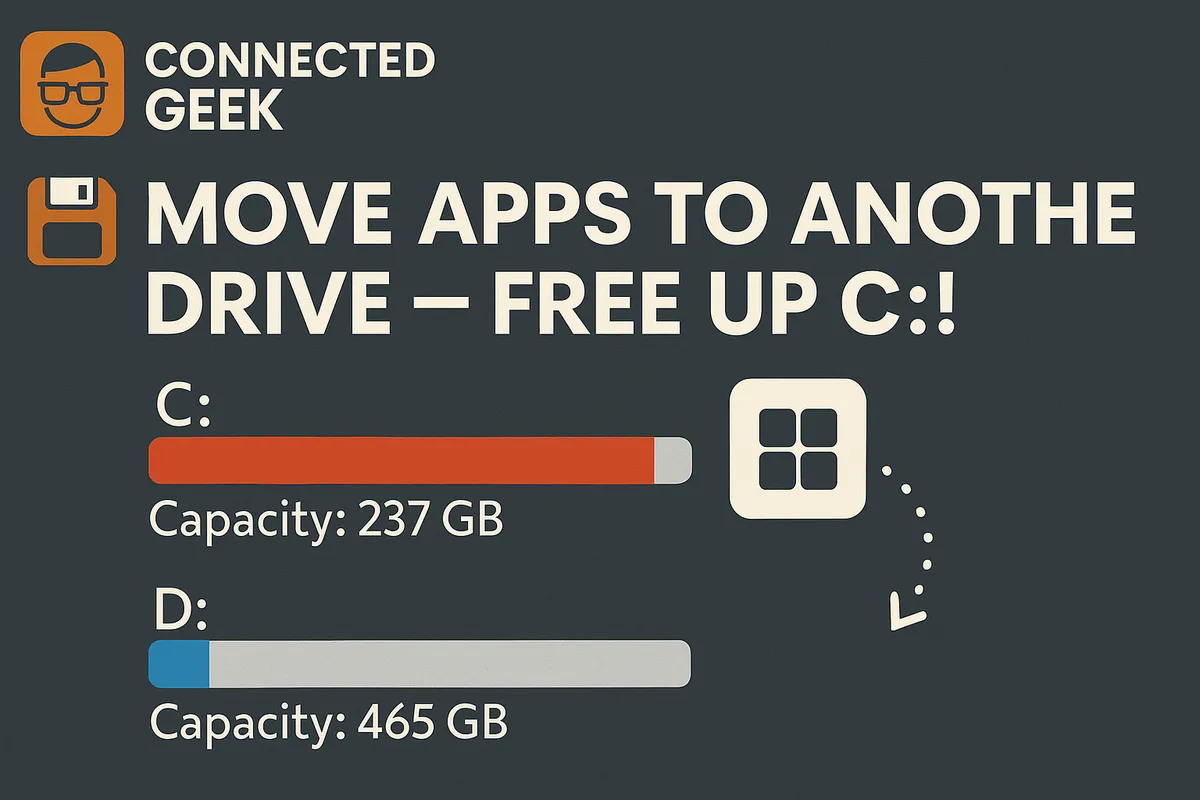
Enable Transparency Effects in Windows 11 Desktop
Published on: 15/05/2026
Learn how to activate and customize transparency effects in Windows 11 for a sleek and modern desktop experience.
Windows 11transparency effectsdesktop customizationfrosted glassPC performance
Optimize Windows 11 with Resource Monitor
Published on: 11/05/2026
Discover how Resource Monitor in Windows 11 boosts PC performance by identifying resource-heavy processes.
Windows 11Resource MonitorTask ManagerPC performancetroubleshootingCPU usagesystem monitoring